

Secure Web Browsing with Built-In Privacy Browser
Overview
Turbo VPN Private Browser is a mobile-focused software application designed to deliver secure and private web browsing through an integrated VPN and privacy-oriented browser. Developed by Innovative Connecting Pte. Limited, the tool combines network-level encryption with a lightweight web interface to protect user data during online activities. It is tailored for individuals seeking a straightforward solution to maintain anonymity while browsing, particularly on public Wi-Fi networks or in regions with restricted internet access.
The software targets casual users, privacy-conscious individuals, and mobile-first internet consumers who prioritize ease of use and immediate functionality. Its core purpose is to shield online activity from third-party tracking, ISP monitoring, and potential data breaches. By bundling a VPN with a dedicated browser, it eliminates the need for separate applications, streamlining the process of secure navigation.
Real-world usage scenarios include accessing blocked content, protecting personal data while using public networks, and conducting private research without leaving digital footprints. The application operates on both Android and iOS platforms, supporting mobile users across different ecosystems. The developer did not provide additional system requirements beyond platform compatibility.
Key Features & Capabilities
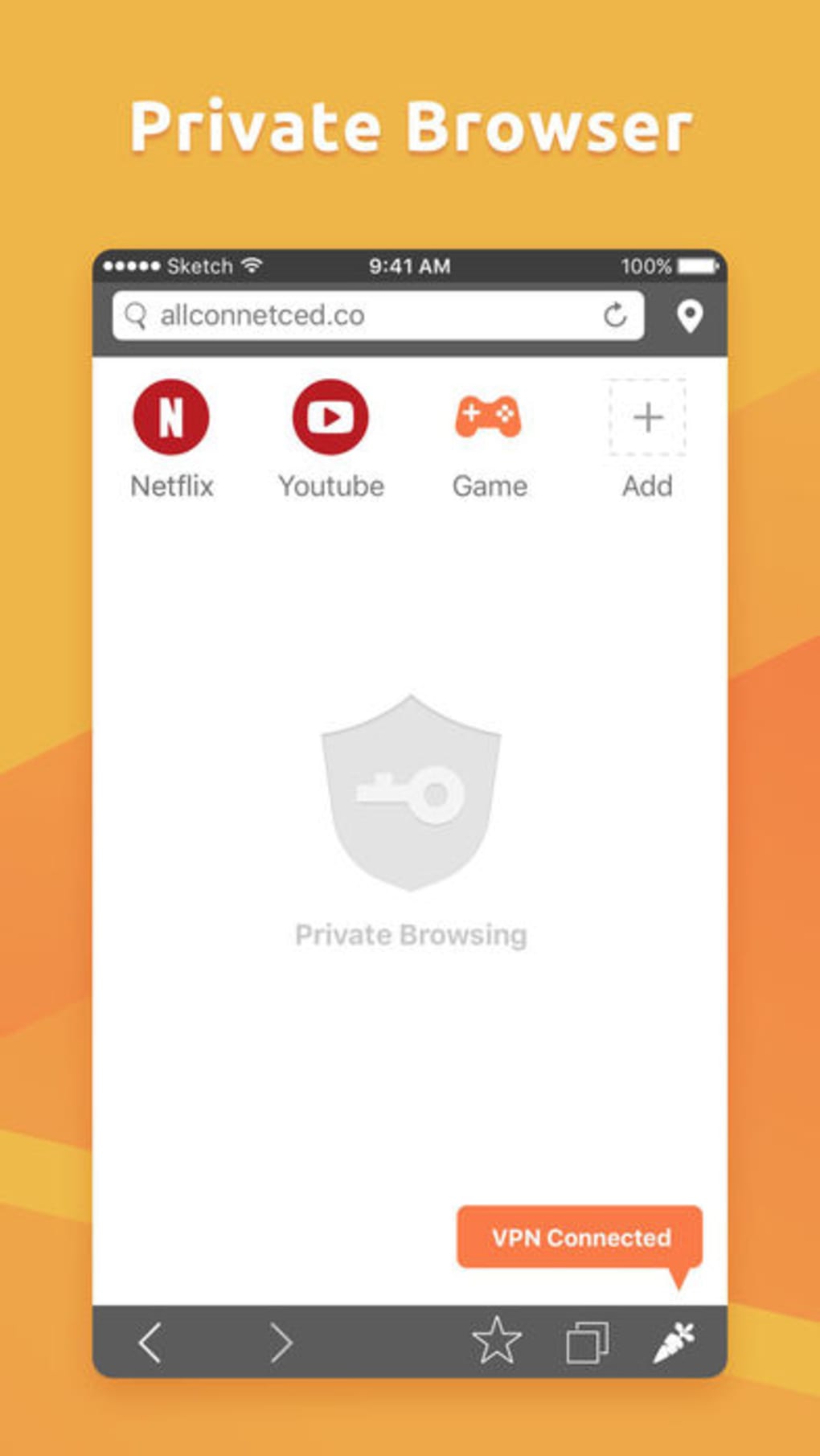
- Integrated VPN and Privacy Browser – Combines network-level encryption with a dedicated browser, allowing users to start browsing securely without switching between apps.
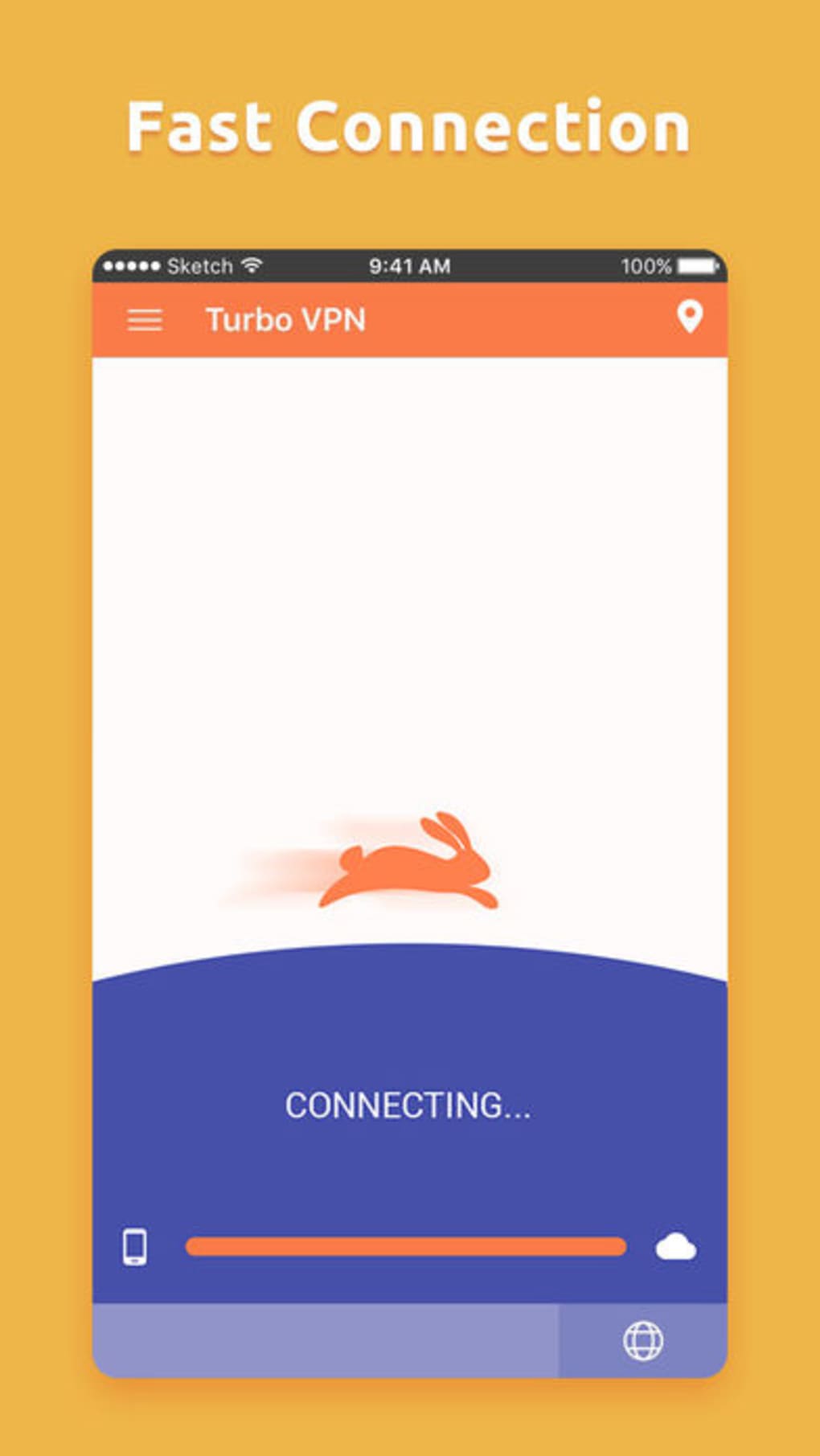
- One-Tap Connection – Enables instant access to secure browsing with minimal user input, ideal for users seeking speed and simplicity.
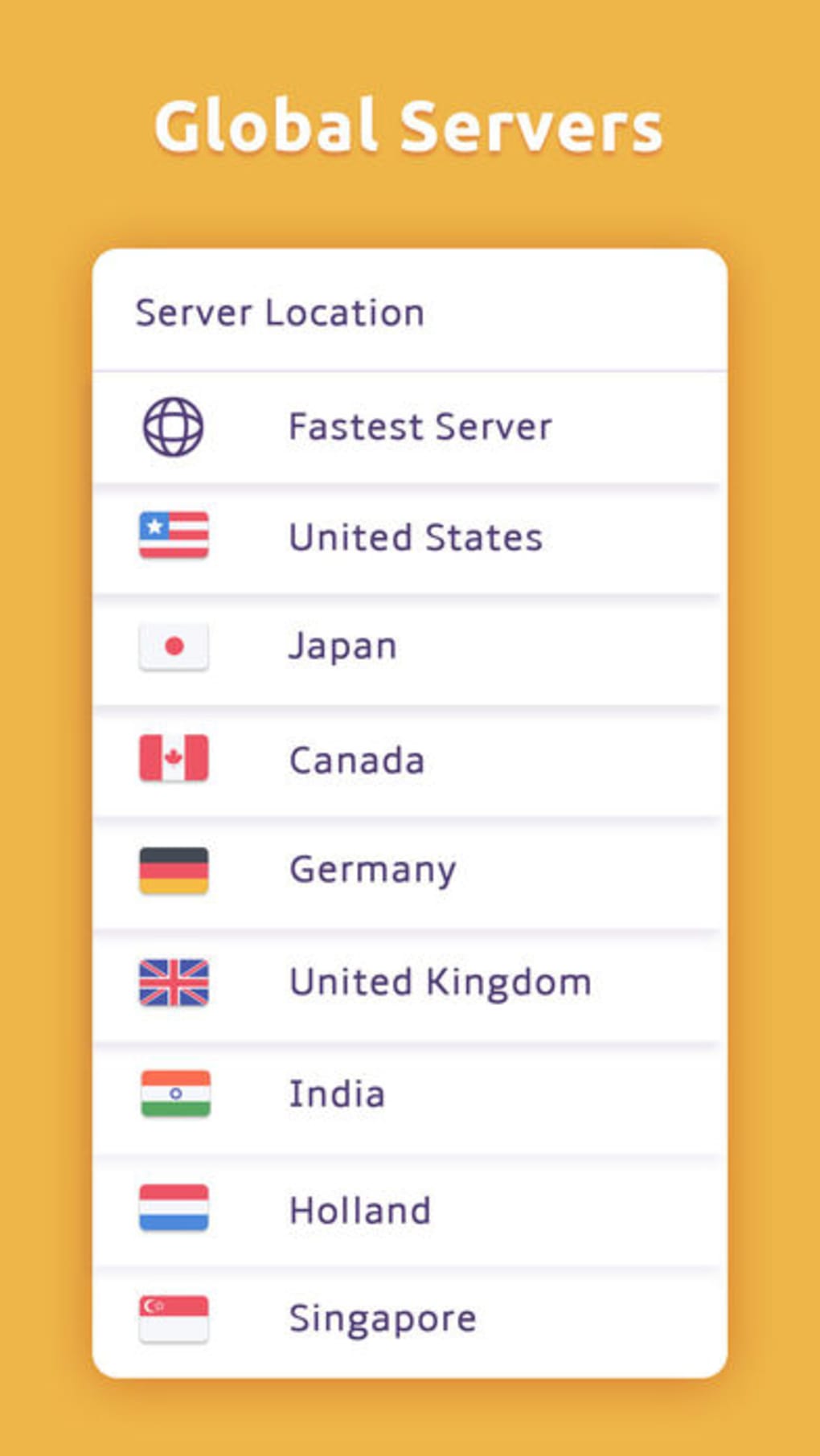
- Multiple Server Locations – Offers a selection of server options to help users bypass geo-restrictions and access region-locked content.
- No Data-Logging Policy – Claims to maintain a strict no-logs policy, ensuring that user activity and personal information are not stored or shared.
- Free-Tier Access – Provides a free version with basic functionality, allowing new users to test the service without financial commitment.
- Cross-Platform Support – Available on both Android and iOS, enabling consistent use across different mobile devices.
These features support practical use cases such as secure banking on public networks, anonymous research, and accessing international content. The built-in browser simplifies quick searches and private navigation without requiring additional downloads. While the feature set is not extensive, it delivers on core privacy needs for light to moderate users.
User Interface, Workflow & Performance
The user interface of Turbo VPN Private Browser is designed with simplicity in mind, focusing on minimalism and ease of access. Navigation is streamlined through a central dashboard that displays connection status, server location, and quick access to the integrated browser. The main action—connecting to a secure network—is accessible via a single tap, reducing friction for users unfamiliar with technical settings.
Workflow efficiency is optimized for mobile environments, where users often need immediate protection. The application launches quickly and establishes connections without requiring complex configuration. The built-in browser maintains a clean layout with essential tools like search, history, and bookmarks, though advanced features such as tab management or extensions are not highlighted.
Performance observations are based on general software behavior patterns. The developer did not specify resource usage details. However, the application’s file size of 15.5 MB suggests a lightweight footprint, which may contribute to efficient operation on mid-range devices. Stability is expected to be consistent given the app’s focus on core functionality, though real-world performance may vary based on network conditions and device capabilities.
Compatibility & System Requirements
Turbo VPN Private Browser is compatible with both Android and iOS operating systems, making it accessible to a wide range of mobile users. The software version is 3.0.2, and the installation size is 15.5 MB, indicating a compact footprint suitable for devices with limited storage.
Exact system requirements were not listed by the developer. Compatibility information is limited to the supported platforms. Users should ensure their devices meet the minimum OS versions required by the respective app stores. The developer did not provide additional details about hardware specifications or background processes.
Pros and Cons
Pros
- Combines VPN and privacy browser in a single application
- One-tap connection for instant secure browsing
- Free-tier access allows risk-free trial
- Available on both Android and iOS
- Claims to maintain a no data-logging policy
Cons
- Limited number of server locations available
- Free version restricted to one device
- Basic browser functionality without advanced features
- Exact performance and resource usage details not disclosed
- Feature set may not meet advanced privacy needs
FAQ Section
Is Turbo VPN Private Browser available for Windows or Mac?
The software is currently available only for Android and iOS devices. There is no official desktop version listed by the developer.
Is the free version secure and reliable?
Yes, the free-tier plan offers secure browsing with encryption and a no data-logging policy. However, it includes limitations such as a single-device restriction and fewer server options.
Does the app collect user data?
The developer claims to maintain a no data-logging policy, meaning personal information and browsing activity are not stored. However, the extent of data handling practices was not fully disclosed.
Can I use Turbo VPN Private Browser offline?
The application requires an active internet connection to function. It cannot operate without a network, as it relies on remote servers to establish secure connections.
How often does the app receive updates?
Regular updates are likely, given the software version 3.0.2 and the release date of June 12, 2024. However, the update frequency and release schedule were not specified by the developer.
Final Thoughts + CTA
Turbo VPN Private Browser presents a practical solution for users seeking a simple, secure, and private browsing experience on mobile devices. Its unique integration of a built-in privacy browser with a reliable VPN service sets it apart from standalone tools. While it lacks advanced features and has limited server availability, it delivers on core privacy promises with ease of use and a free-tier option.
It is best suited for casual users, students, travelers, and individuals who need basic protection without technical complexity. The combination of one-tap access, cross-platform availability, and a no-logs policy makes it a solid choice for lightweight online security.
Download Turbo VPN Private Browser now







